

实现HTML元素的居中 看似简单,实则不然
水平居中比如容易,垂直居中比较难弄定,水平垂直都居中更不容易。在这个响应式布局的年代,很难固定元素的宽高,俺统计了1下,目前的几种方法。本文由浅入深逐一介绍,使用了同1段HTML代码:
<div class="center"><img src="jimmy-choo-shoe.jpg" alt=""></div>下面鞋子图片会变化但原始大小始终是500px × 500px,主题背景色彩使用了HSL colors
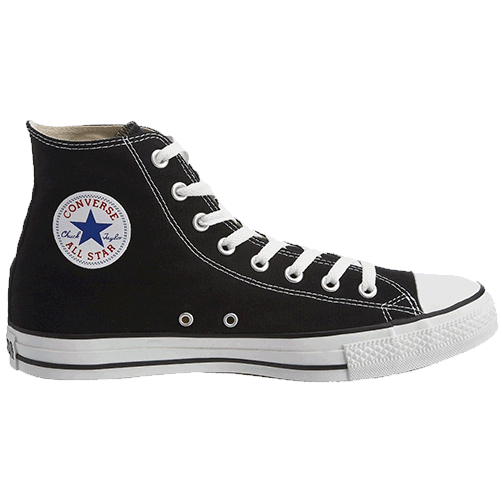
有些场景下 简单的方法就是最好的方法
div.center { text-align: center; background: hsl(0, 100%, 97%); }div.center img { width: 33%; height: auto; }
但该方法不能让图片垂直居中:需要给 div 添加 padding 或 给 div 中的元素添加 margin-top 和 margin-bottom
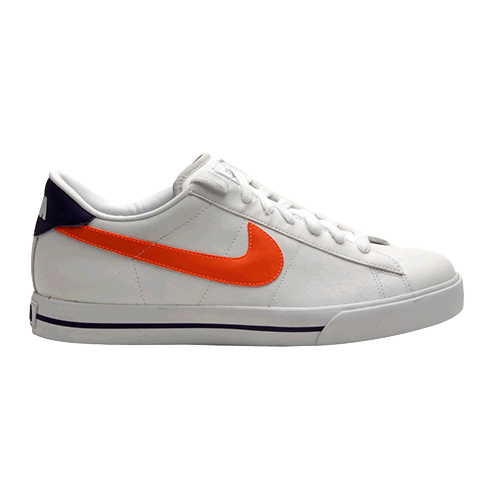
一样也是水平居中,局限性跟第1种方法1样:
div.center { background: hsl(60, 100%, 97%); }div.center img { display: block; width: 33%; height: auto; margin: 0 auto; }
注意 display: block,
这类情况下必须有 margin:
0 auto.
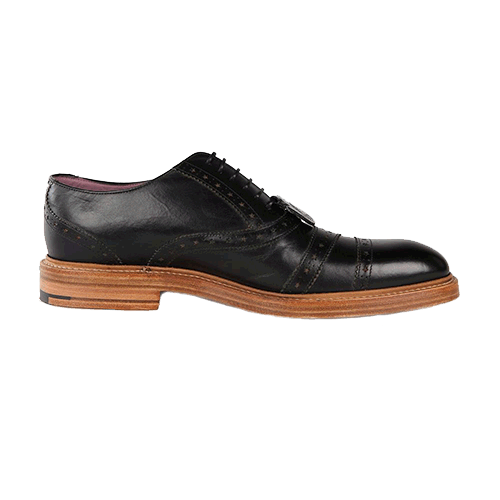
使用 display:
table-cell, 可以实现水平垂直都居中。通常需要添加1个额外的空元素。
<div class="center-aligned"><div class="center-core"><img src="jimmy-choo-shoe.jpg"></div></div>CSS 代码:
.center-aligned { display: table; background: hsl(120, 100%, 97%);width: 100%; }.center-core { display: table-cell; text-align: center; vertical-align:middle; }.center-core img { width: 33%; height: auto; }
注意 width: 100% 是为了避免 div 折叠,外面的容器需要1个高度才能垂直居中。
如果垂直居中的元素是放在 . body 中的话,需要给 html 和 body
设置 height. 在所有阅读器中均有效,包括 IE8+.
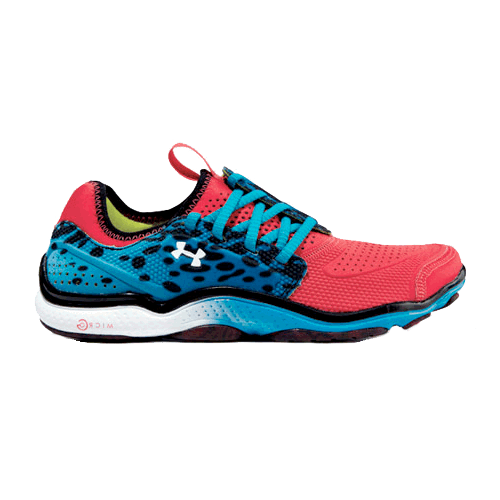
最近 Stephen Shaw 推行的1项新技术可以很好地兼容各种阅读器。唯1的缺点是外部容器必须声明height
.absolute-aligned {position: relative; min-height: 500px;background: hsl(200, 100%, 97%);}.absolute-aligned img {width: 50%;min-width: 200px;height: auto;overflow: auto; margin: auto;position: absolute;top: 0; left: 0; bottom: 0; right: 0;}Stephen 在 他的文章 中验证了这段代码的许多版本
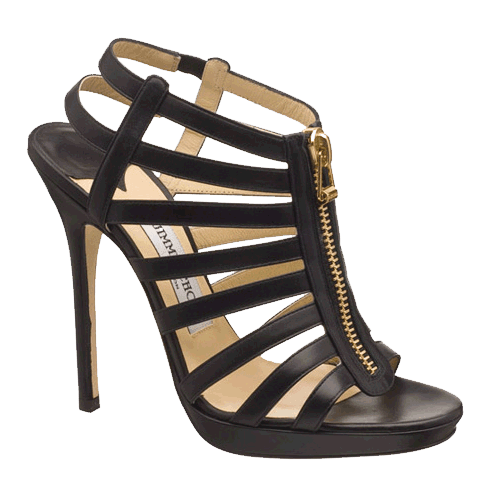
Chris Coiyer 提出了1个新的方法:使用 CSS transforms. 同时支持水平居中和垂直居中:
.center { background: hsl(180, 100%, 97%); position: relative; min-height: 500px; }.center img { position: absolute; top: 50%; left: 50%;transform: translate(⑸0%, ⑸0%); width: 30%; height: auto; }有以下缺点:
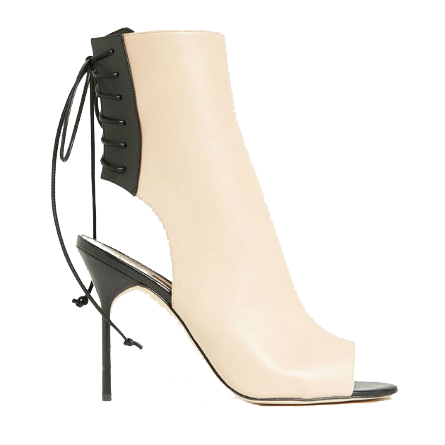
1旦属性变量和特定前缀消失的话,这类方法极可能成为首选的居中方案.
.center { background: hsl(240, 100%, 97%); display: flex; justify-content: center; align-items: center; }.center img { width: 30%; height: auto; }
在许多方面 flexbox 是最简单的解决方案,但制约因素是
各种陈腐语法和低版本的IE, (虽然 display:
table-cell是1个可以接受的方案). 完全的 CSS代码:
.center { background: hsl(240, 100%, 97%);display: -webkit-box; /* OLD: Safari, iOS 6 and earlier; Android browser, older WebKit */display: -moz-box; /* OLD: Firefox (can be buggy) */display: -ms-flexbox; /* OLD: IE 10 */display: -webkit-flex; /* FINAL, PREFIXED, Chrome 21+ */display: flex; /* FINAL: Opera 12.1+, Firefox 22+ */-webkit-box-align: center;-moz-box-align: center;-ms-flex-align: center;-webkit-align-items: center;align-items: center;-webkit-box-pack: center;-moz-box-pack: center;-ms-flex-pack: center;-webkit-justify-content: center;justify-content: center;}现在规范已构成,阅读器也支持, I have written extensively on flexbox layout and its uses.
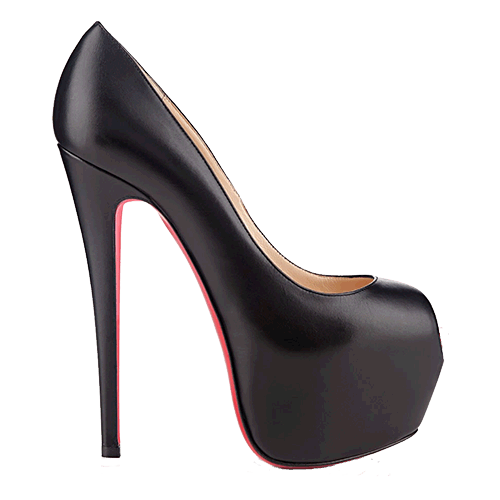
在某些场景下比 flexbox 更通用:
.center { background: hsl(300, 100%, 97%); min-height: 600px; position:relative; }.center img { width: 40%; height: auto; position: absolute; top:calc(50% - 20%); left: calc(50% - 20%); }
不言而喻, calc 允许在当前的页面布局上进行计算。在上面的例子中,50%
是容器中元素的中间点,但是单独使用会使得image的左上角位于<div>中间。我们需要把width
和height 再往回拉1下,大小分别是图片width
和height 的1半。表达式以下:
top: calc(50% - (40% / 2)); left: calc(50% - (40% / 2));在目前的阅读器中,你可以发现:当内容 fixed 且大小已知的时候,该技术效果最好:
.center img { width: 500px; height: 500px; position: absolute; top:calc(50% - (300px / 2)); left: calc(50% - (300px
 生活不易,码农辛苦

 如果您觉得本网站对您的学习有所帮助,可以手机扫描二维码进行捐赠

下一篇 Sqoop介绍及使用
程序员人生,我编程,我富裕,记住wfuyu网,php教程,php学习,php手册,CMS模版制作
声明:本站大部分内容是作者原创,少部分收集于互联网供大家一起学习,原版权很多不明,如有侵权请联系本站,谢谢!
粤ICP备14040726号-1 2015-2020 程序员人生 版权所有


